
Time, your way.
Choose a flip or digital clock, and adjust the display to suit your space.
 Fullscreen ClockiOS · Android
Turn your screen into a clock you can read at a glance. A simple companion for your desk, your bedside, and the moments that need your attention.
Features, device requirements, and purchase options vary by platform. See the app and store listing.
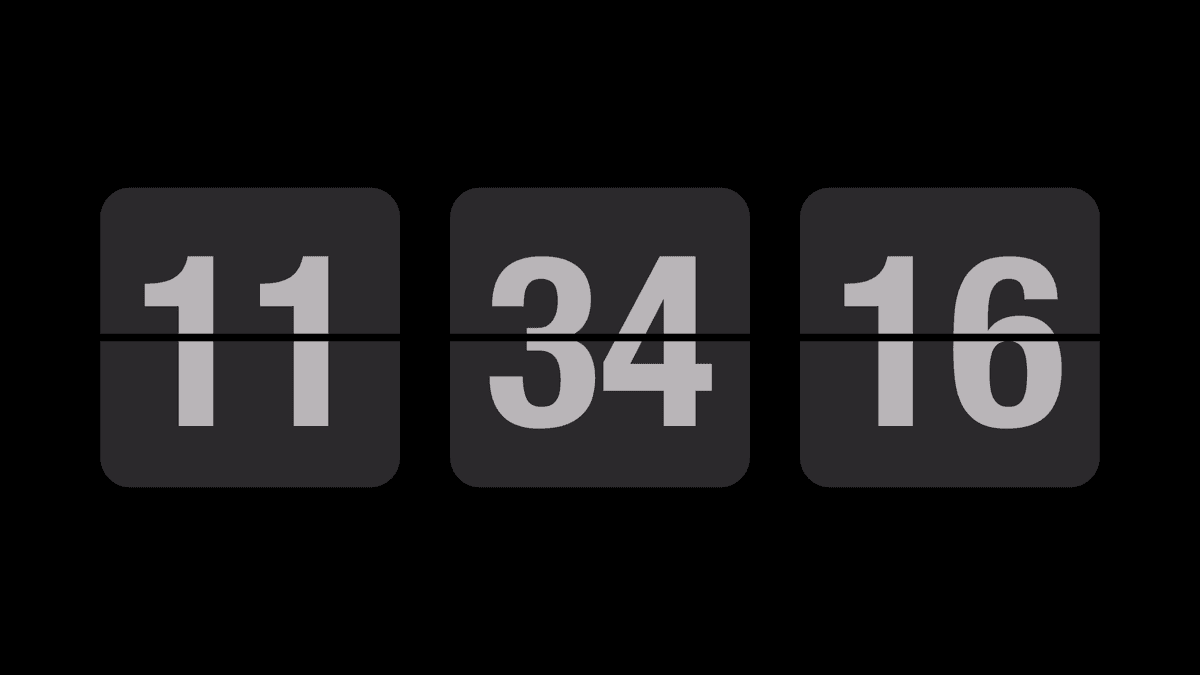
Choose a flip or digital clock, and adjust the display to suit your space.
Use timers, a stopwatch, and focus sessions to give the task at hand your attention.
Set it on your desk or bedside. A supported spare device can become a dedicated clock.
Fullscreen Clock is available on the App Store and Google Play. Check the relevant listing for supported devices and operating systems; features can differ between platforms.
Check the system requirements on the store listing for your device. Availability of a compatible app version depends on the device, operating system, and store.
The images here show the mobile app. Download the app from your platform’s store to use its clock and timing features.
The app and its store listing show the current purchase options for your region. For purchase or restore questions, contact us with your platform and app version.
Small details. Lasting usefulness.